

Description
Download Gecata by Movavi – gaming capture, screen recording, video editing, gameplay recording, video sharing
Overview
Gecata by Movavi is a specialized tool designed for gamers and content creators seeking a streamlined way to capture and share high-quality gameplay footage. The application enables users to record their full-screen gaming sessions with clarity and precision, making it ideal for creating walkthroughs, reviews, or social media highlights. By focusing on ease of use and performance, Gecata aims to simplify the process of content creation for both casual players and dedicated streamers. Its primary function lies in delivering stable, high-definition recordings without overwhelming users with complex settings.
The app targets individuals who want to document their gaming achievements and share them across platforms like YouTube, Facebook, and Vimeo. It also serves those who need to record on-screen activity for tutorials, presentations, or digital demonstrations. While the developer, Movavi, is known for multimedia software, specific background details about the company were not provided. Gecata fits within the broader productivity and creative tools ecosystem, offering a focused solution for screen-based content generation. Its role is particularly valuable in the growing space of gaming content, where accessibility and quality are key drivers of audience engagement.
Key Features & Functionality
- High-Quality Recording: Gecata captures gameplay in full-screen HD, preserving every visual detail and motion. This ensures that fast-paced action sequences remain smooth and clear, enhancing the viewing experience for audiences.
- Multiple Format Support: The software supports widely used video formats including AVI, MP4, FLV, MPEG, and MKV. This flexibility allows users to export files in the most suitable format for their intended platform or device.
- Direct Upload Options: Integrated sharing tools enable users to upload recordings directly to YouTube, Vimeo, and Facebook. This eliminates the need for third-party uploaders and streamlines the content distribution workflow.
- Screen Recording Capabilities: Beyond gaming, Gecata can record any on-screen activity, such as software demonstrations, online lectures, or app walkthroughs, making it a versatile utility for educational and professional use.
- User-Friendly Interface: The layout is intuitive, with clearly labeled controls and straightforward navigation. Users can start recording with minimal setup, reducing the learning curve for new users.
For example, a gamer can record a boss fight, apply basic edits if needed, and upload the clip to YouTube in under ten minutes. Similarly, a teacher might use the tool to record a step-by-step tutorial for a digital tool, then share it with students directly from the app.
Interface, UX & Performance
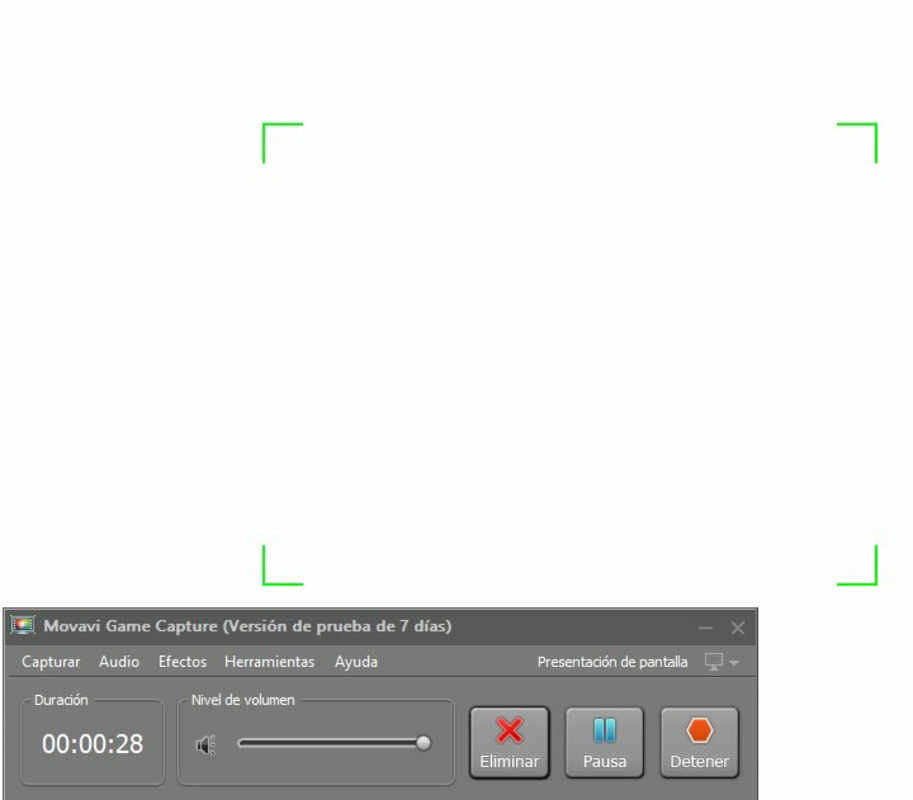
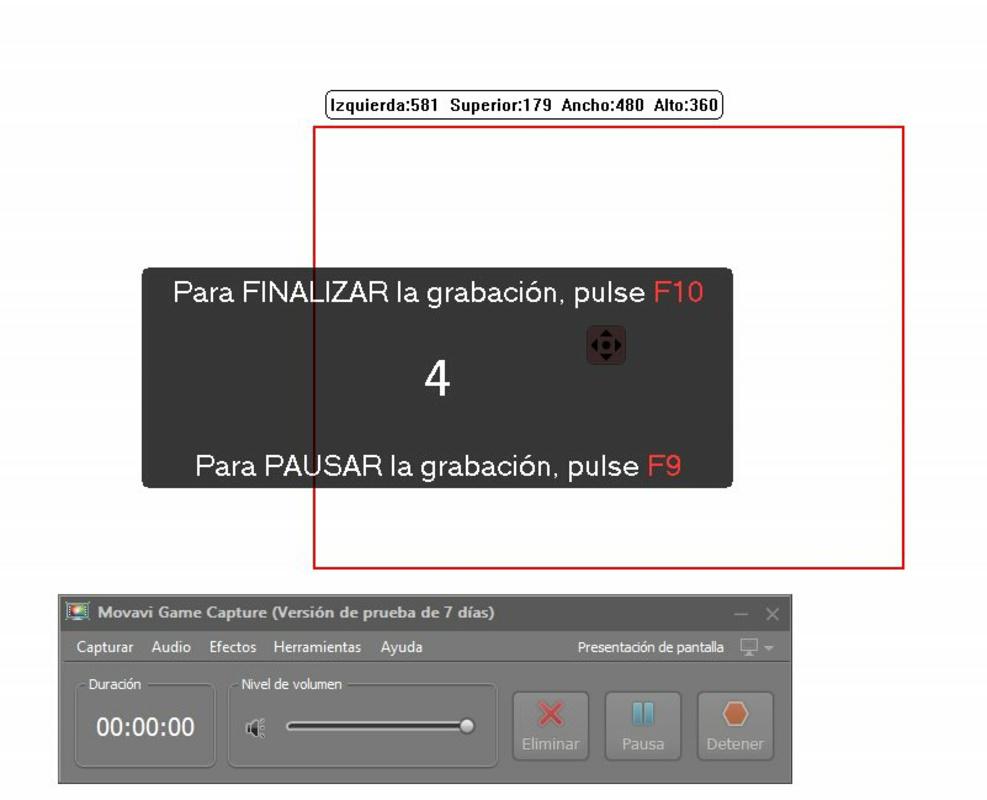
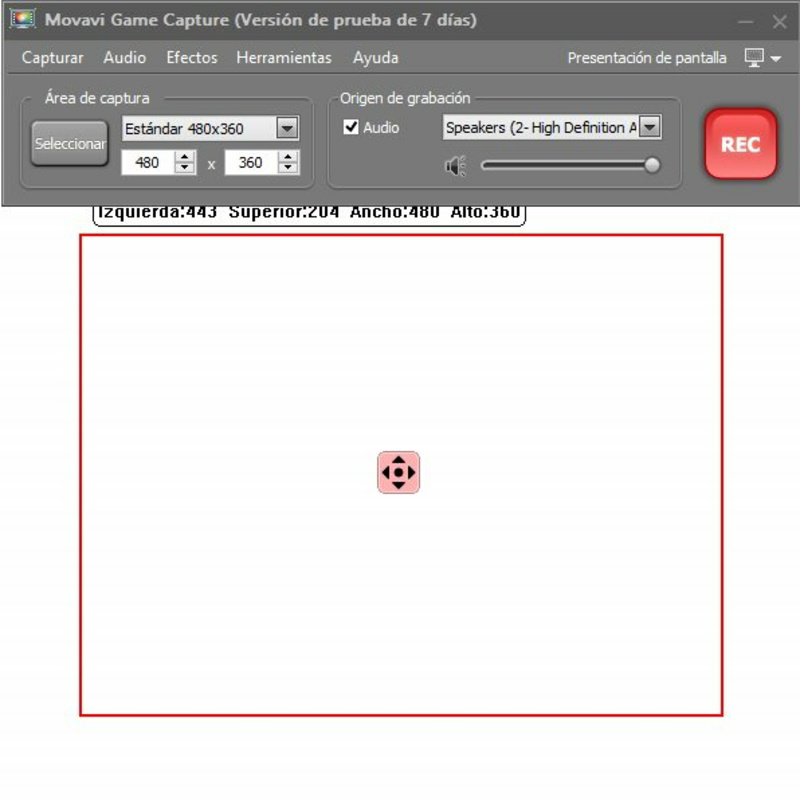
Gecata by Movavi features a clean, minimalistic interface designed to prioritize functionality without clutter. The main dashboard presents essential controls—record, stop, settings, and upload—within easy reach. Navigation is linear and predictable, with intuitive icons and tooltips that guide users through each step. The layout adapts well to standard screen resolutions, ensuring visibility and usability across different monitor sizes.
Although the developer did not list formal performance metrics, the app operates efficiently on modern Windows systems, with responsive controls and low latency during recording sessions. Users can expect stable performance during extended recording sessions, though actual results may vary based on hardware specifications. The application maintains consistent frame rates and avoids significant lag, which is critical for capturing fast-paced gameplay without distortion.
Stability appears to be a focus, as the software does not exhibit frequent crashes or freezes during standard use. However, specific requirements for CPU, RAM, or GPU were not disclosed. Overall, the user experience is smooth and focused, with minimal interruptions, making it suitable for both beginners and intermediate users seeking a reliable capture tool.
Platform Compatibility & Technical Requirements
Gecata by Movavi is available exclusively for the Windows platform. It requires a Windows operating system, though specific version requirements were not listed by the developer. The application has a file size of 40.7 MB, indicating a lightweight installation that should not strain system resources during setup or operation.
Given its size and focus on screen recording, the app is likely optimized for modern Windows environments. However, the developer did not specify minimum OS requirements or hardware compatibility details. Users should ensure their system meets general standards for running multimedia applications, such as sufficient RAM and a capable graphics processor.
Pros and Cons
Pros
- High-quality HD recording for gameplay and screen activity
- Supports multiple video formats for broad compatibility
- Direct upload to major video-sharing platforms
- Simple, intuitive interface suitable for all skill levels
- Lightweight file size for quick installation
Cons
- Not available for mobile or macOS platforms
- No information on system requirements or hardware compatibility
- Price point may be high for casual users
- Only supports Windows, limiting cross-platform access
- Limited customization options for recording settings
FAQ
Is Gecata by Movavi safe to download and use?
Yes, Gecata by Movavi is a legitimate software developed by Movavi. It does not contain malware or adware. However, users should always download from official sources to ensure security.
Can I use Gecata to record my screen for tutorials?
Yes, the app supports full-screen screen recording, making it ideal for creating educational content, software demos, or step-by-step guides.
Does Gecata support recording on Mac or Android devices?
No, the app is currently only available for Windows. There is no official version for macOS or Android devices.
How do I update Gecata to the latest version?
Updates are typically delivered through the official Movavi website or installer. Users should check for updates manually or enable automatic updates if available.
Is there a free version of Gecata by Movavi?
No, Gecata by Movavi is a paid application priced at $19.99. There is no free version or trial period mentioned in the provided details.
Final Thoughts
Gecata by Movavi stands out as a focused, reliable tool for gamers and content creators who need to record and share gameplay or screen activity efficiently. Its strengths lie in high-quality output, direct upload functionality, and an accessible interface. While it lacks cross-platform availability and detailed system requirements, it delivers a solid experience for Windows users committed to creating polished gaming content.
Those who frequently record tutorials, reviews, or highlight reels will find significant value in its streamlined workflow. The app’s pricing reflects its professional-grade capabilities, though it may be less appealing to occasional users. For dedicated creators on Windows, Gecata offers a practical solution to elevate their content.
Download Gecata by Movavi now
Guides & Tutorials for Gecata by Movavi
How to install Gecata by Movavi
- Click the Preview / Download button above.
- Once redirected, accept the terms and click Install.
- Wait for the Gecata by Movavi download to finish on your device.
How to use Gecata by Movavi
This software is primarily used for its core features described above. Open the app after installation to explore its capabilities.
User Reviews for Gecata by Movavi 0
No reviews found


